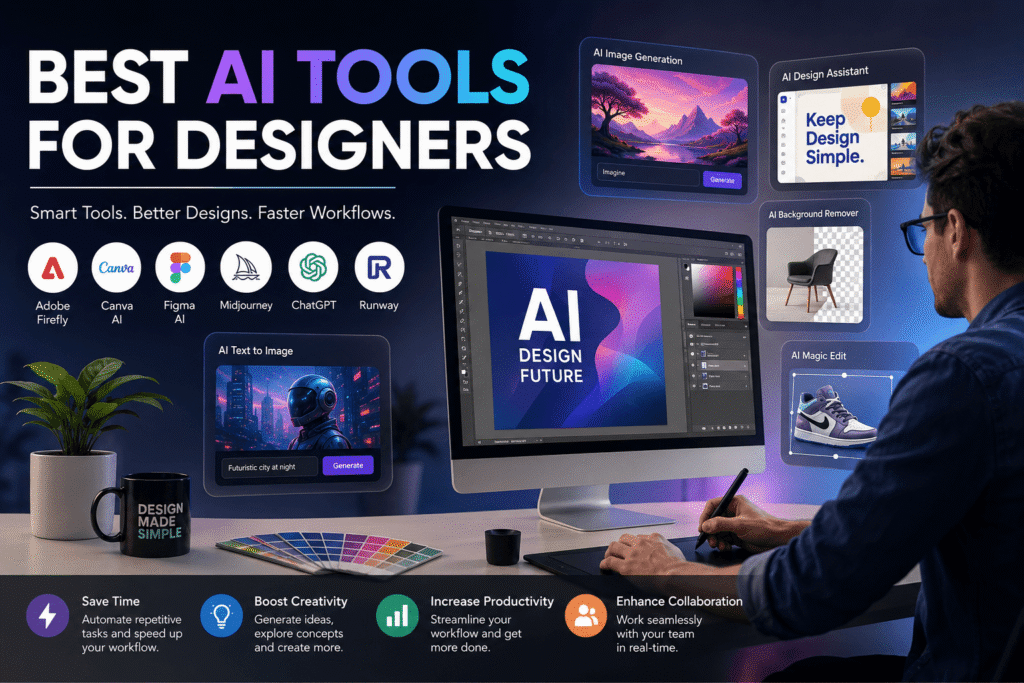
Best AI Tools for Designers in 2026: The Complete Guide

Introduction

The Best AI Tools for Designers are transforming how creative professionals work, collaborate, and deliver projects. From generating visual concepts in seconds to automating repetitive tasks, artificial intelligence has become an essential part of modern design workflows.

Whether you are a freelance graphic designer, agency owner, marketer, startup founder, or creative director, understanding which AI platforms provide real value can help you save time, improve efficiency, and stay competitive in today’s rapidly evolving digital landscape.

Table of Contents

  • Why AI Matters for Designers
  • What Makes an AI Tool Valuable
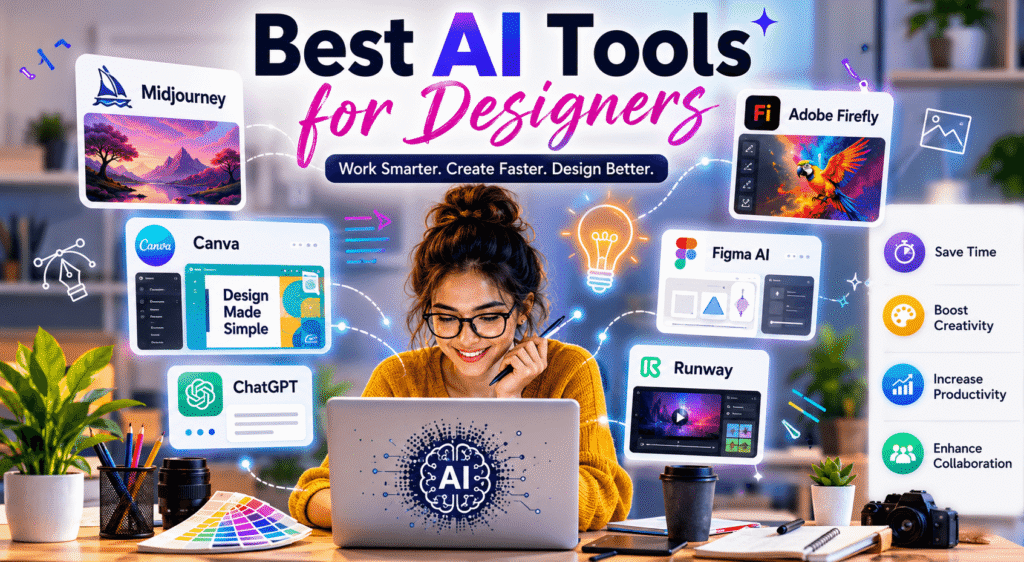
  • Best AI Tools for Designers in 2026
  • Benefits of Using AI in Design
  • How to Integrate AI into Your Workflow
  • Common Mistakes Designers Should Avoid
  • Practical AI Checklist
  • Internal and External Resource Suggestions
  • Call to Action
  • FAQs
  • Conclusion

Why the Best AI Tools for Designers Matter

Artificial intelligence is no longer a futuristic concept. It has become a practical business solution.

Designers today face increasing demands:

  • Faster project delivery
  • Higher client expectations
  • Consistent branding
  • Multi-platform content creation
  • Growing competition

AI-powered platforms help address these challenges by enhancing creativity instead of replacing it.

Creative professionals across the USA, Canada, Europe, and the UK are adopting AI technologies to remain productive while maintaining high-quality standards.

Businesses also benefit because design cycles become shorter, marketing campaigns launch faster, and visual assets can be produced at scale.

What Makes an AI Tool Valuable for Designers?

Not every AI platform deserves a place in a designer’s toolkit.

The best solutions typically provide:

Time Savings

Automation reduces hours spent on repetitive tasks.

Examples include:

  • Background removal
  • Image resizing
  • Layout generation
  • Content repurposing
  • Mockup creation

Improved Creativity

AI often acts as a creative assistant.

It can suggest:

  • Color combinations
  • Typography pairings
  • branding concepts
  • visual directions
  • design alternatives

Better Collaboration

Modern AI design platforms integrate with existing workflows.

Look for tools that support:

  • Team collaboration
  • Cloud sharing
  • Version control
  • Asset management
  • Real-time editing

Scalability

For agencies and businesses, scalability matters.

The right software enables teams to create:

  • Social media assets
  • advertisements
  • website graphics
  • presentations
  • product visuals

at a much faster pace.

Best AI Tools for Designers in 2026

Several platforms stand out because they combine innovation, usability, and practical value.

 Adobe Firefly

Adobe continues to lead the creative software industry.

Adobe Firefly allows designers to:

  • Generate images from prompts
  • Create text effects
  • expand backgrounds
  • edit visuals using AI
  • accelerate ideation

Firefly integrates naturally with established Adobe applications, making adoption relatively seamless for professionals already using Adobe products.

Ideal for:

  • Brand designers
  • creative agencies
  • digital marketers
  • illustrators

Canva AI

Canva has evolved significantly.

Its AI capabilities now include:

  • Magic Design
  • AI image generation
  • automatic presentation building
  • copywriting assistance
  • visual resizing

Small businesses and entrepreneurs appreciate Canva because it requires minimal technical expertise.

Advantages include:

✔ User-friendly interface

✔ Affordable pricing

✔ Team collaboration

✔ Marketing templates

✔ Fast content production

 Figma AI

UI and UX designers increasingly rely on Figma.

Its AI features assist with:

  • layout suggestions
  • component generation
  • rapid prototyping
  • content population
  • workflow optimization

Design teams building websites, mobile applications, and digital products can significantly improve efficiency.

For startups and SaaS businesses, Figma AI reduces development bottlenecks.

 Midjourney

Midjourney remains one of the most recognized AI image generators.

Creative professionals use it for:

  • mood boards
  • concept exploration
  • campaign visuals
  • artistic experimentation
  • creative brainstorming

It performs exceptionally well when designers need inspiration quickly.

While generated outputs still require human refinement, Midjourney offers a strong foundation for ideation.

 ChatGPT

Many designers underestimate how useful conversational AI can be.

ChatGPT supports creative workflows by helping with:

  • brand messaging
  • content strategy
  • UX copy
  • brainstorming
  • design briefs
  • campaign ideas

It is especially useful for multidisciplinary creatives who handle both visuals and communication.

 Runway

Runway has emerged as a powerful solution for video creators.

Features include:

  • video generation
  • AI editing
  • motion tracking
  • background replacement
  • animation assistance

Video designers, content creators, and marketing teams benefit from faster production processes.
Benefits of Using AI Tools in Design

AI adoption offers several practical advantages.

Increased Productivity

Tasks that once required hours can now be completed within minutes.

This creates opportunities for:

  • higher project capacity
  • improved profitability
  • reduced deadlines
  • faster revisions

Enhanced Creative Exploration

Designers often encounter creative blocks.

AI can generate multiple directions instantly.

Examples include:

  • logo concepts
  • illustrations
  • layouts
  • packaging ideas
  • campaign visuals

This expands creative possibilities.

Cost Efficiency

Agencies and businesses are under pressure to maximize budgets.

AI helps reduce expenses by streamlining workflows.

Companies can produce:

  • marketing assets
  • presentations
  • social campaigns
  • digital advertisements

without dramatically increasing staffing costs.

 Faster Client Delivery

Clients expect rapid turnaround times.

AI assists designers in meeting those expectations while maintaining professional quality standards.

Timely delivery often leads to:

  • stronger relationships
  • repeat business
  • referrals
  • improved customer satisfaction

How Designers Can Integrate AI Into Their Workflow

AI should complement creative expertise, not replace it.

Here is a practical framework.

Step 1: Identify Repetitive Tasks

Review your current workflow.

Ask yourself:

Which activities consume the most time?

Examples:

  • resizing graphics
  • exporting assets
  • organizing files
  • generating drafts

These are ideal candidates for automation.

Step 2: Select One Tool First

Avoid adopting multiple platforms simultaneously.

Start with one solution.

For example:

Graphic designers may choose:

  • Adobe Firefly

Marketing teams may choose:

  • Canva AI

Product designers may prefer:

  • Figma AI

Learning gradually encourages sustainable adoption.

Step 3: Experiment With Prompts

AI performance often depends on prompt quality.

Effective prompts include:

style references

  • color preferences
  • audience details
  • dimensions
  • intended use cases

Example:

Create a modern social media campaign concept using minimalist typography and blue branding elements.”

Better prompts usually produce better outputs.

Step 4: Add Human Refinement

AI accelerates production.

However, human creativity remains essential.

Always review:

typography

  • alignment
  • consistency
  • accessibility
  • brand standards

Professional judgment is still the deciding factor.

Step 5: Measure Results

Track improvements.

Metrics may include:

  • project completion times
  • client feedback
  • revision frequency
  • engagement rates
  • profitability

Data-driven decisions help determine whether an AI tool delivers meaningful value.

Common Mistakes Designers Should Avoid

AI is powerful, but misuse can create problems.

Relying Entirely on Automation

Design quality suffers when professionals skip critical review stages.

AI outputs should support creativity rather than dictate it.

Ignoring Copyright Considerations

Always understand licensing terms.

Different AI platforms maintain different policies regarding generated assets.

Businesses should verify commercial usage rights before publishing materials.

Using Generic Prompts

Broad prompts produce generic outcomes.

Detailed instructions typically generate stronger visuals.

Overlooking Brand Identity

Every business has unique branding.

AI-generated concepts should align with:

  • tone of voice
  • typography
  • visual consistency
  • audience expectations

Chasing Every New Tool

New AI products appear constantly.

Focus on tools that genuinely improve productivity.

Avoid adopting software solely because it is trending.

Practical Checklist for Designers Using AI

Use this checklist before implementing new AI platforms.

AI Design Checklist

✔ Define your objectives

✔ Identify repetitive tasks

✔ Test multiple platforms

✔ Compare pricing models

✔ Verify commercial licensing

✔ Improve prompt writing skills

✔ Maintain brand consistency

✔ Review outputs manually

✔ Monitor productivity gains

✔ Train team members

✔ Document best practices

✔ Stay informed about updates

Ready to Elevate Your Design Workflow?

Artificial intelligence is changing the creative industry faster than ever.

Businesses that embrace smart technologies gain a competitive advantage.

Whether you are building a personal brand, scaling an agency, or improving marketing operations, the right tools can significantly increase productivity.

Get Expert Guidance

Need help improving your creative process or building a stronger digital presence?

Contact our team today, request a consultation, or explore our latest design resources to discover strategies that help designers and businesses work smarter, faster, and more effectively.

Frequently Asked Questions

Lorem ipsum dolor sit amet, consectetur adipiscing elit. Ut elit tellus, luctus nec ullamcorper mattis, pulvinar dapibus leo.

What are the best AI tools for designers in 2026?

Some of the best AI tools for designers include Adobe Firefly, Canva AI, Figma AI, Midjourney, ChatGPT, and Runway. Each platform supports different creative workflows and design needs.

No. AI enhances efficiency and supports creative exploration, but human designers remain essential for strategy, branding, storytelling, and decision-making.

Canva AI is often recommended for beginners because it offers an intuitive interface, templates, and easy-to-use AI features.

Copyright policies vary between platforms. Designers should review licensing agreements and terms of use before using AI-generated assets commercially.

Designers can use AI effectively by automating repetitive tasks, experimenting with concepts, refining outputs manually, and integrating AI into existing workflows strategically.

Conclusion

The Best AI Tools for Designers are becoming indispensable assets for creative professionals in 2026. They help reduce repetitive work, inspire fresh ideas, improve collaboration, and accelerate project delivery.

The key to success lies in using AI strategically. Instead of replacing creativity, these technologies empower designers to focus on innovation, storytelling, and delivering exceptional experiences.

By selecting the right tools, refining workflows, and maintaining a human-centered approach, designers across the USA, Canada, Europe, and the UK can unlock new levels of productivity and creative excellence.

Leave a Comment

Your email address will not be published. Required fields are marked *