
Introduction
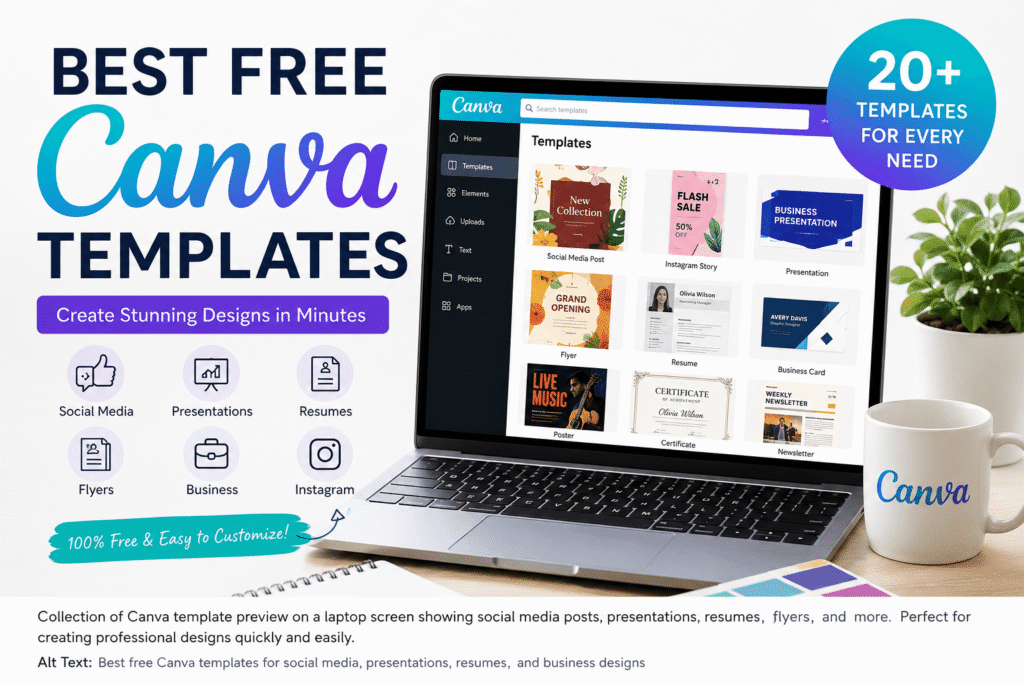
Finding the best free Canva templates can save hours of design work. Instead of starting with a blank page, you can begin with a professionally structured layout and customize it for your own goals. Whether you need an Instagram post, business presentation, resume, flyer, or marketing graphic, Canva provides thousands of templates across many design categories.
The real challenge, however, is choosing a template that looks professional without making your content feel generic. A good template should support your message, match your brand, and remain easy to edit.
In this guide, you’ll learn which free Canva templates are most useful, how to find them, how to customize them effectively, and which mistakes to avoid.
Table of Contents
- Why Free Canva Templates Matter
- What Are the Best Free Canva Templates?
- Best Free Canva Templates by Category
- Benefits of Using Canva Templates
- How to Choose the Right Template
- How to Customize a Canva Template
- Common Canva Template Mistakes
- Free Canva Template Checklist
- Internal and External Link Placement
- Frequently Asked Questions
- Conclusion
Why Free Canva Templates Matter
Designing from scratch can be difficult, especially if you are not a professional designer. You may spend more time choosing fonts, arranging images, selecting colors, and creating layouts than actually working on your content.
Free Canva templates solve much of this problem.
Canva’s official template library currently includes categories such as presentations, Instagram posts, flyers, logos, websites, posters, resumes, invitations, business cards, certificates, calendars, and more.
For a small business owner, freelancer, marketer, student, or content creator, that variety means you can create different types of visual content without learning complex design software.
What Are the Best Free Canva Templates?
The best template is not necessarily the most colorful or visually impressive option. Instead, it should make your message easier to understand.
- A strong Canva template usually has:
- A clear visual hierarchy
- Readable typography
- Balanced spacing
- Consistent colors
- Easy-to-edit sections
- Appropriate image placement
- A layout suited to the content
- Enough flexibility for your branding
For example, a restaurant might need an attractive menu or promotional post, while a consultant may need a professional presentation or LinkedIn graphic.
Therefore, always start with your purpose, not the template’s appearance.
Best Free Canva Templates by Category
1. Social Media Templates
Social media templates are among the most useful options for businesses and creators.
You can find designs for Instagram posts, Instagram Stories, Facebook posts, LinkedIn content, Pinterest graphics, and other social formats. Canva’s template library includes several of these categories.
Use them for:
- Product promotions
- Educational posts
- Quotes
- Announcements
- Event promotions
- Tips and tutorials
- Brand updates
For example, a digital marketing agency could create a weekly series using one consistent template. By changing the headline, image, and supporting information, the agency can maintain a recognizable visual identity.
Tip: Do not change the layout every time. Consistency often makes a social media feed look more professional.
2. Presentation Templates
Presentations are another excellent use for Canva templates.
Instead of building every slide manually, choose a structured presentation design and adapt it to your topic. Canva provides presentation templates for business, education, marketing, portfolios, social media strategies, and many other purposes.
A good presentation template can help you organize:
- Introduction slides
- Key statistics
- Product information
- Charts
- Case studies
- Team profiles
- Conclusions
- Calls to action
For a business presentation, keep slides focused. Avoid filling every available space with text.
3. Resume Templates
A professional resume needs to communicate information quickly.
Canva offers free resume templates that allow users to customize colors, fonts, layouts, and graphics. Its official resume builder describes hundreds of free designer-made templates.
When selecting a resume template, prioritize:
- Readability
- Clear section headings
- Professional typography
- Appropriate spacing
- Easy scanning
- Compatibility with your industry
For corporate, finance, technology, and administrative roles, a simple design is usually safer than a highly decorative one.
4. Business Templates
Small businesses can use free Canva templates for everyday marketing materials.
Useful options include:
- Business cards
- Flyers
- Brochures
- Certificates
- Invoices
- Newsletters
- Promotional graphics
- Event materials
Canva’s free template library includes many of these categories.
For example, a local coffee shop could use a consistent template system for weekly promotions, seasonal offers, and event announcements.
The important part is to customize the design with your own logo, colors, images, and messaging.
5. Instagram Story Templates
Instagram Stories require fast, visually clear communication.
A template can help you create:
- Product announcements
- Polls
- Questions
- Limited-time offers
- Behind-the-scenes content
- Customer testimonials
- Educational tips
Use large text and strong contrast because users may only view your Story for a few seconds.
6. Flyer and Poster Templates
Flyers and posters are useful for events, promotions, community activities, workshops, and local businesses.
A good flyer should answer the essential questions quickly:
What is happening? When is it happening? Where is it happening? Why should someone care?
Do not overload the design with unnecessary information.
Instead, create a clear headline, supporting details, strong visual, and obvious call to action.
Benefits of Using Free Canva Templates
Save Time
Templates eliminate much of the repetitive work involved in creating layouts from scratch.
Improve Consistency
Using a similar visual style across your content can strengthen brand recognition.
Reduce Design Complexity
Beginners can create polished graphics without mastering advanced design software.
Support Faster Marketing
A ready-made layout makes it easier to produce promotional content when deadlines are tight.
Make Editing Simple
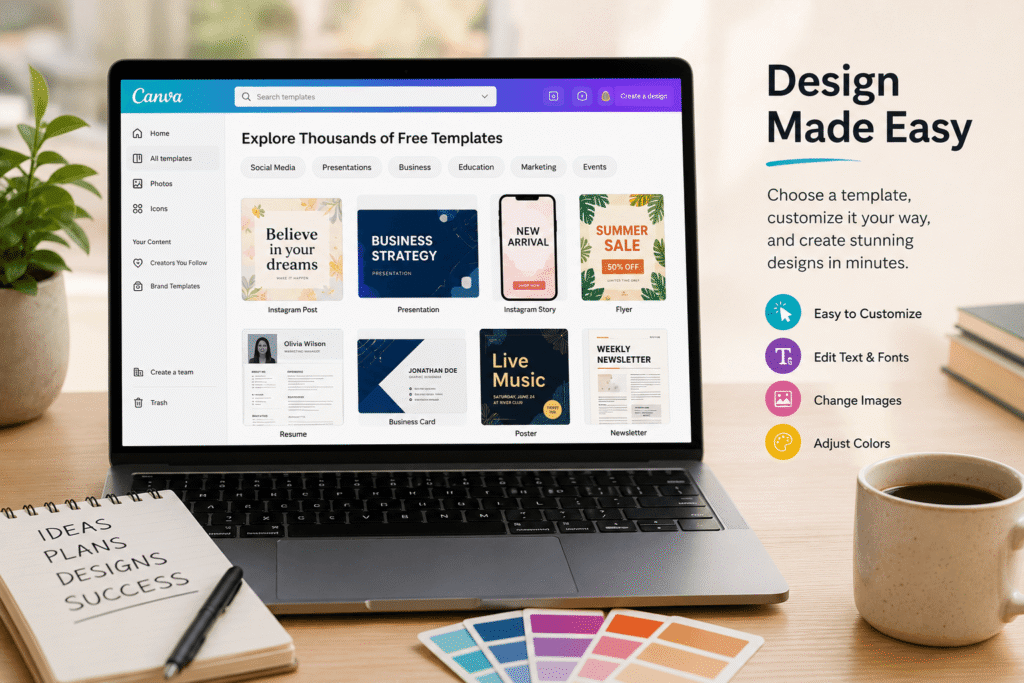
Canva’s drag-and-drop approach allows users to replace text, images, colors, and other elements without rebuilding the entire composition.
How to Choose the Right Canva Template
Choosing a template should be a strategic decision.
Step 1: Define Your Goal
Ask what you are trying to accomplish.
Are you promoting a product, educating an audience, applying for a job, or presenting information?
Step 2: Choose the Correct Format
Select the format that matches the platform.
For example:
Instagram → social post or Story
LinkedIn → professional social graphic
Presentation → presentation template
Job application → resume
Local promotion → flyer or poster
Step 3: Check the Layout
Look at how much space the template gives your content.
If your headline is long, avoid templates designed around tiny text areas.
Step 4: Check Free Elements
Before investing time in customization, make sure the important elements are available to you.
Canva distinguishes between Free and Pro content. Free users may see watermarks on Pro content, while Pro content has separate licensing rules.
Step 5: Customize the Design
Replace the default content with your own:
- Brand colors
- Logo
- Photos
- Headlines
- Fonts
- Contact information
- Calls to action
How to Customize a Canva Template Like a Professional
A template is only a starting point.
Keep Your Brand Consistent
Choose a small set of brand colors and use them consistently.
Limit Your Fonts
Two complementary fonts are usually enough for most designs.
Replace Generic Images
Stock imagery can make a template feel familiar. Whenever appropriate, use relevant images that better represent your business or message.
Simplify the Layout
You do not need to use every element in a template. Remove decorative objects that do not support your message.
Strengthen the Hierarchy
Make the most important information visually dominant.
Your audience should immediately understand what the design is about.
Are Free Canva Templates Safe for Commercial Use?
This is an important question for businesses.
Canva’s current Content License Agreement distinguishes between Free Content and Pro Content and explains permitted uses for Canva designs. Free Content has its own license, while Pro Content is generally licensed for a specific Canva Design.
Therefore, do not assume that everything visible in Canva is automatically free for every use.
Before using a template commercially:
- Check whether the design contains Free or Pro content.
- Review the content source information.
- Check special restrictions.
- Review Canva’s current licensing terms.
- Be particularly careful with branded or editorial content.
Canva’s official licensing guide explains the differences between Free and Pro content and how licensing works.
Common Mistakes to Avoid
Using Too Many Elements
More graphics do not automatically create a better design.
Keeping Default Text
Template text is only an example. Replace it with specific information for your audience.
Ignoring Mobile Screens
A design that looks readable on a desktop may become difficult to read on a phone.
Mixing Too Many Fonts
Too many typefaces can make your design look inconsistent.
Forgetting Your Brand
A template should support your identity rather than replace it.
Ignoring Licensing
Always check the license when using Canva content for commercial work.
Free Canva Template Checklist
Before publishing your design, check the following:
- Is the message clear within a few seconds?
- Is the headline easy to read?
- Are the colors consistent with your brand?
- Is the text large enough for mobile users?
- Have you removed unnecessary elements?
- Are your images relevant?
- Is your logo positioned appropriately?
- Is the call to action clear?
- Have you checked spelling and grammar?
- Have you verified the content license?
This simple checklist can prevent many common design problems.
Create Better Designs Without Starting From Scratch
You do not need to spend hours creating every graphic from a blank canvas.
The right template can give you a strong foundation while leaving room for your own creativity. Whether you are building social media content, a presentation, resume, flyer, or business graphic, start with a design that matches your purpose.
Ready to improve your visual content? Explore the best free Canva templates, customize them with your brand style, and turn simple layouts into professional designs that support your goals.
For more practical design guidance, explore the related resources on Design Made Simple and build a faster, more consistent design workflow.
Frequently Asked Questions
1. What are the best free Canva templates?
The best free Canva templates depend on your goal. Popular options include social media posts, presentations, resumes, flyers, business cards, invitations, and marketing graphics.
2. Are Canva templates free to use?
Canva provides many free templates and Free Content. However, some templates contain Pro Content or other restricted content. Always check the content and licensing information before using a design commercially.
3. Can I customize free Canva templates?
Yes. You can generally customize elements such as text, colors, images, fonts, and layouts. This makes templates useful for creating branded content without starting from scratch.
4. Can I use free Canva templates for my business?
Many Canva designs can be used for marketing and commercial purposes, but specific content can have different licensing restrictions. Review Canva’s current Content License Agreement before using designs for business purposes.
5. How do I find free Canva templates?
Visit Canva’s template library and browse categories such as presentations, Instagram posts, flyers, resumes, business cards, websites, and more. You can then search for a design based on your specific project.
Conclusion
The best free Canva templates are the ones that make your message clearer, save you time, and give your content a professional foundation. From social media graphics and presentations to resumes, flyers, and business materials, Canva offers a wide range of customizable options.
However, choosing a template is only the beginning. The strongest results come from thoughtful customization, consistent branding, readable typography, and a clear message.
Start with your goal, choose a suitable layout, customize it for your audience, and always check licensing requirements before commercial use. With the right approach, free Canva templates can become a valuable part of a fast and effective design workflow.